
Viber Communities are large group spaces in Viber designed for public or semi-public conversations, announcements, and member interaction. Unlike a small private group, a Viber community can support a very large audience, keep recent chat history visible to new members, and help protect privacy by not showing every member’s phone number to the whole community. If you want to build a public interest group, customer update hub, local neighborhood space, class community, fan group, or support circle, Communities are usually the most flexible option.
Before you create one, make sure you are using the current version of Viber. Community features, privacy controls, and admin tools can vary slightly by device and app version, so updating the app first saves confusion later.
What are Viber Communities?
A Viber Community is a large chat-based space where people can join through an invite link, discover updates, read previous messages, and participate based on the permissions set by the community owner. It is built for scale. A regular Viber group is better for small private conversations, while a community is better when the audience may grow beyond your close contacts.
Communities are often used for:
- Brand updates and customer announcements
- Local clubs, events, and neighborhood groups
- School, class, or parent communication
- Creator, fan, or hobby communities
- Volunteer teams and nonprofit coordination
- Public support or discussion spaces around a topic
One important point: many people search for a Viber public group when they actually mean a Viber Community. In practice, Communities are the feature most suited to public joining, larger audiences, moderation, and privacy-aware group communication.
Viber Communities vs groups vs channels
Viber offers more than one way to communicate with multiple people. Choosing the right format matters because each one has different privacy, posting, and moderation behavior.
| Feature | Viber Group | Viber Community | Viber Channel |
|---|---|---|---|
| Best for | Small private conversations | Large public or semi-public communities | One-way broadcasts and announcements |
| Typical audience | Friends, family, small teams | Fans, customers, students, members, local groups | Followers or subscribers |
| Member participation | Everyone usually chats | Depends on admin settings | Usually limited; admins publish content |
| Privacy | More personal, members may be more visible to one another | Designed to reduce exposure of members’ phone numbers | Subscribers mainly receive updates |
| Moderation | Basic admin control | Stronger role-based admin and moderation tools | Publisher-led management |
| Message history for new members | Usually limited to messages after joining | New members can see recent community history | Subscribers can view published posts |
When should you use a Viber Group?
Use a regular group when everyone knows each other and the conversation is private. For example, a family chat, a project team, or a small group of friends does not need the scale or public invite structure of a community.
When should you use a Viber Community?
Use a community when you expect growth, need moderation, want people to join by link, or want to keep member privacy more protected. A Viber community is also a good fit when old messages should help new members understand what is going on.
When should you use a Viber Channel?
Use a channel when the main goal is broadcasting information, not group discussion. If you want subscribers to receive updates without turning every post into a conversation, a channel may be simpler.
How to create a Viber Community
The exact labels may differ slightly between iOS, Android, and desktop, but the process is straightforward. If you do not see the option, install the latest app from the official Viber Download page or update it from your device’s app store.
- Open Viber. Go to the Chats screen.
- Start a new chat. Tap the compose or new chat button.
- Choose New Community. Select the community option rather than a normal group if available.
- Add a name. Pick a clear name that tells people what the community is about.
- Add an image. Use a logo, icon, or simple visual that members can recognize quickly.
- Write a description. Explain who the community is for, what members can expect, and any basic rules.
- Invite initial members. Add trusted people first, especially anyone who may help moderate.
- Review settings. Check posting permissions, invite link behavior, admin roles, and privacy options before promoting it publicly.
A good setup saves time later. Many messy communities become hard to manage because the owner shared the invite link before defining the rules, roles, and posting style.
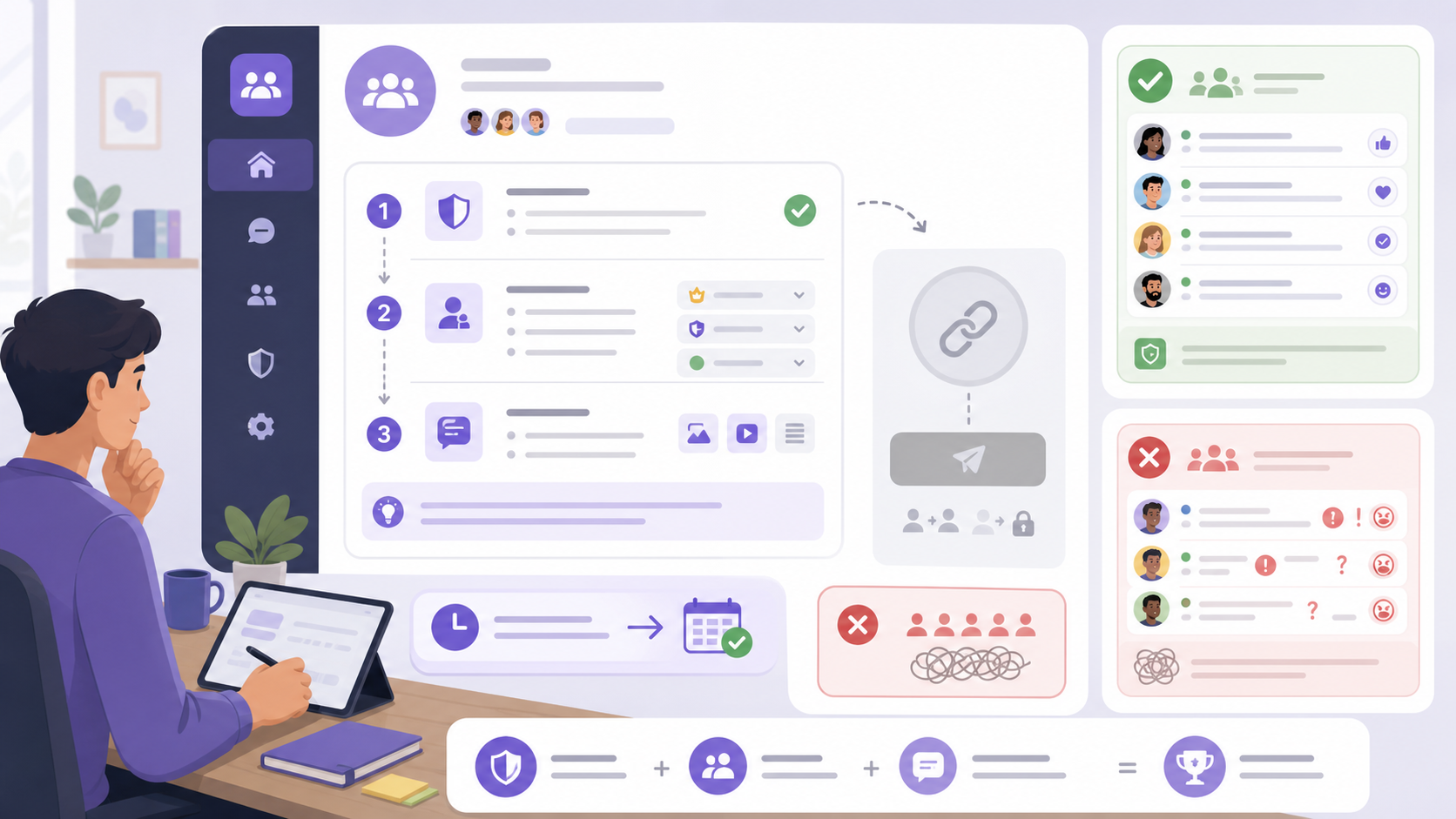
Recommended setup before inviting the public
1. Write a clear community description
The description should answer three questions: who the community is for, what kind of content is allowed, and what behavior is not allowed. Keep it short, but make it specific.
Example: This community is for local runners sharing training tips, event updates, and route safety alerts. Please stay on topic, avoid spam, and be respectful to other members.
2. Create simple rules
Rules do not need to sound legal. They just need to be clear enough for members and moderators to enforce consistently.
- No spam, scams, or repeated promotional links
- No harassment, hate speech, or personal attacks
- Stay close to the community topic
- Do not share private information about other members
- Contact an admin if you see unsafe or suspicious behavior
3. Add trusted admins
Do not manage a busy community alone. Add one or two reliable admins before growth starts. Give admin rights only to people you trust because admins may be able to remove members, moderate content, change settings, or manage invite links depending on their role.
4. Pin an introduction message
A pinned message is one of the simplest ways to orient new members. Include a welcome note, rules, useful links, posting guidelines, and contact instructions for admins.
How member roles work in a Viber Community
Viber Communities use roles to keep large spaces manageable. The available controls can vary by app version, but the common structure includes superadmins, admins, and members.
| Role | What they usually do | Best practice |
|---|---|---|
| Superadmin or owner | Creates the community, manages key settings, assigns admin roles, and has the highest level of control | Keep this role limited to the main owner or organization lead |
| Admin | Helps moderate messages, manage members, pin posts, and enforce rules depending on permissions | Choose people who are active, calm, and familiar with the topic |
| Member | Reads posts and participates if posting is allowed | Make rules easy to find so members know what is expected |
For public communities, assign roles carefully. Too many admins can create inconsistent moderation, while too few can leave spam or conflict visible for too long.
How to manage members effectively
Member management is not just about removing bad actors. It is about creating a space where good members know how to participate and feel safe doing so.
Use invite links carefully
Invite links are convenient, but they can spread beyond your intended audience. If a link is posted publicly, assume anyone may join. If spam increases, reset or disable the invite link where the app allows it, then share a new link only in trusted places.
Remove or ban members when needed
If someone repeatedly breaks the rules, remove them. In more serious cases, use blocking or banning options if available. It is better to act early than let one person change the tone of the whole community.
Set posting permissions based on your goal
If your community is mainly for announcements, restrict posting to admins or use a channel instead. If discussion matters, let members post but keep clear rules and active moderation. Some communities work well with a hybrid approach: admins post official updates, while members can reply or discuss within limits.
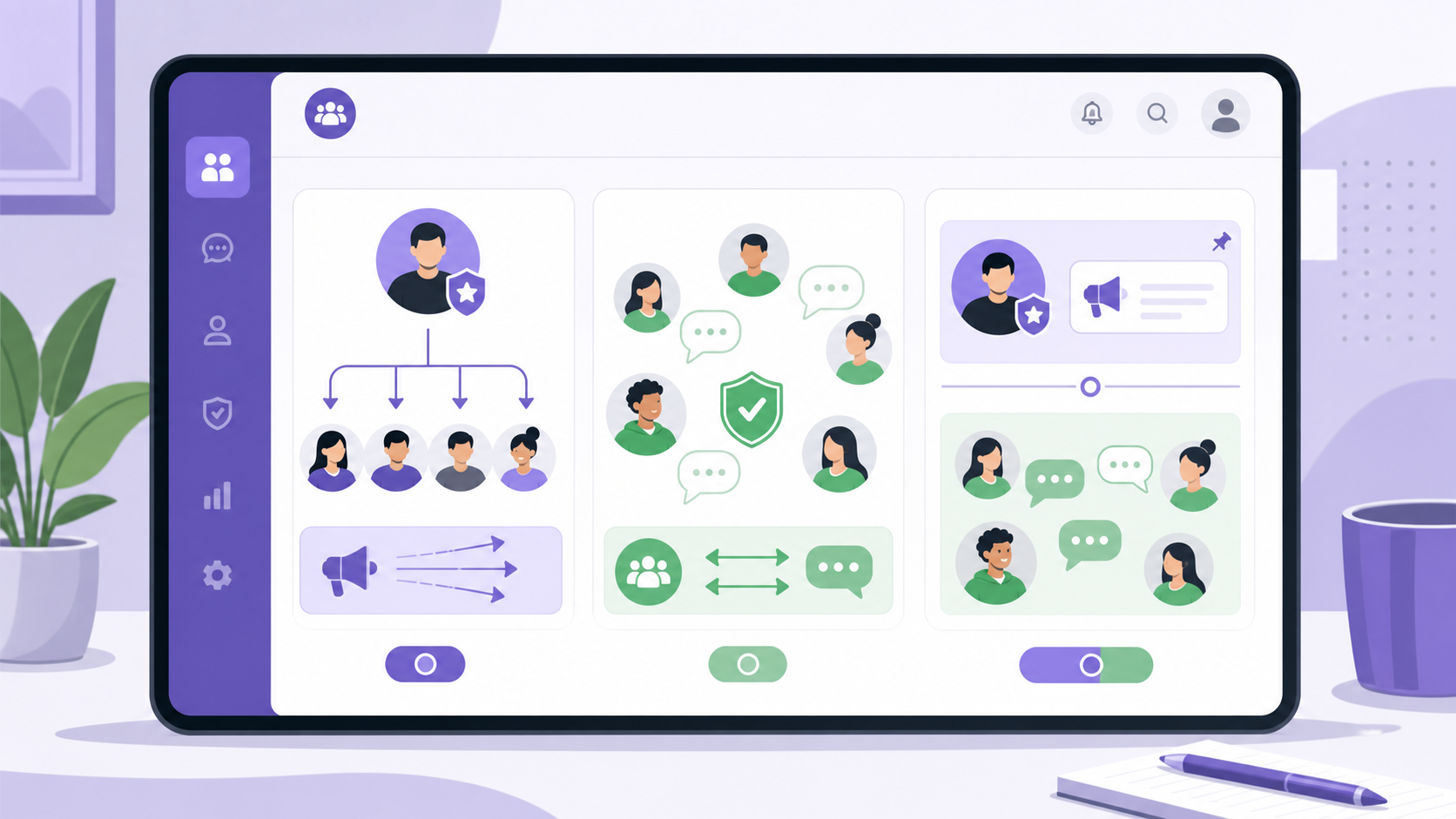
Watch for spam patterns
Common warning signs include repeated external links, copied promotional messages, suspicious investment offers, fake support accounts, and users asking members to move to private chats. Remove these quickly, especially in large communities.
What to post in a Viber Community
The best community posts are useful, easy to scan, and clearly connected to the reason people joined. Avoid posting only promotions. Members stay when the space gives them information, access, or conversation they cannot easily get elsewhere.
Good content ideas
- Welcome posts: Explain the purpose of the community and how to participate.
- Announcements: Share product updates, event changes, schedule notices, or important reminders.
- Polls: Ask members to vote on dates, preferences, topics, or feedback.
- Resource posts: Share guides, checklists, FAQs, or useful links.
- Discussion prompts: Ask one clear question instead of posting vague requests like share your thoughts.
- Recaps: Summarize long discussions so new or busy members can catch up.
Posting habits that work
- Use short paragraphs rather than long blocks of text.
- Put the most important point in the first sentence.
- Pin essential information instead of reposting it every day.
- Use polls when you need quick feedback.
- Do not overpost; too many notifications can push members to mute or leave.
For more practical messaging ideas and feature updates, the Viber Blog can be a useful place to follow related tips.
Privacy and safety tips for Viber Communities
Privacy is one of the main reasons people choose Communities over ordinary public group chats. Still, admins and members should understand what is protected and what is still visible.
What members should know
- Other members may see your Viber name and profile photo, depending on your settings.
- Your phone number is generally not exposed to all community members the way it may be in smaller contact-based groups.
- Admins and people who already have your number saved may still recognize you.
- Messages posted in a community should be treated as visible to the community audience.
- Do not share personal documents, addresses, passwords, payment details, or private screenshots.
What admins should do
- Use a clear community identity so members can tell official admin posts from ordinary messages.
- Limit admin permissions to trusted people only.
- Reset public invite links if they are abused.
- Remove scam posts quickly and warn members about impersonation.
- Encourage members to report suspicious behavior instead of engaging with it.
No community platform can make a public conversation completely private. The safest rule is simple: if a message would be harmful outside the community, do not post it there.
Common mistakes to avoid
- Creating a community when a group is enough. If only ten friends need to chat, a normal group is simpler.
- Sharing the invite link too early. Set rules, admins, and pinned messages first.
- Letting every topic in. Broad communities often become noisy. Keep the purpose clear.
- Ignoring moderation. Spam and conflict grow quickly when no one responds.
- Posting like a billboard. Communities work best when members get real value, not just repeated announcements.
Conclusion
Viber Communities are best understood as large, moderated spaces for people who share an interest, location, brand relationship, or need for ongoing updates. They sit between private groups and broadcast channels: more scalable and privacy-aware than a small group, more interactive than a pure broadcast channel. To create a strong Viber community, start with a clear purpose, set member expectations, assign trusted admins, protect invite links, and post content that is genuinely useful. A well-run community feels organized without feeling cold, and that balance is what keeps members engaged.
FAQ
What is a Viber Community?
A Viber Community is a large chat space in Viber where people can join, read updates, and participate based on admin settings. It is designed for bigger audiences than regular groups.
Is a Viber Community the same as a Viber public group?
Not exactly. People often use Viber public group to describe a joinable public space, but the official feature better suited for that purpose is usually Viber Communities.
Can new members see old messages in a Viber Community?
Yes, Viber Communities are designed so new members can see recent chat history, which helps them understand the context before posting.
Can members see my phone number in a Viber Community?
Communities are designed to protect phone numbers from being shown to all members. However, your name, photo, and activity may still be visible, and existing contacts may recognize you.
Can I stop members from posting in my Viber Community?
Depending on the available settings in your app version, admins can control posting permissions. If you only want one-way updates, consider using stricter permissions or a Viber Channel.