
To block on Viber, open the chat or contact profile, choose the contact information or menu options, and select the block option. Once blocked, that person cannot send you direct Viber messages or place Viber calls to you from the blocked account, but they are not sent a clear notification saying they were blocked. You can unblock them later from the chat, their contact profile, or the Viber blocked list in your privacy settings.
Blocking is useful when you want to stop spam, unwanted calls, harassment, or repeated messages without deleting your account or changing your number. The steps are simple, but it helps to understand what blocking does and what it does not do before you use it.
How blocking works in Viber
When you block someone on Viber, the block applies to direct communication from that specific Viber account or phone number. The person can keep their old chat history on their own device, but new direct messages and calls from them will not reach you through Viber.
What blocking usually stops
- Direct Viber messages from the blocked user.
- Viber voice and video calls from the blocked user.
- Most unwanted one-to-one contact from that account.
- Notifications from that person’s new direct messages or calls.
What blocking does not fully control
- It does not delete previous chat history from the other person’s phone.
- It does not automatically remove both of you from mutual groups or communities.
- It does not block a different phone number or a new Viber account unless you block that account too.
- It does not replace your phone’s system-level blocking for regular mobile calls or SMS.
In short: Viber blocking is mainly for stopping direct Viber contact. For serious harassment, also use your phone’s native call-blocking tools and consider reporting the user where available.
How to block someone on Viber
The exact wording may look slightly different depending on whether you use Android, iPhone, or desktop, but the general process is similar.
Block a saved contact from a chat
- Open Viber on your phone.
- Go to the chat with the person you want to block.
- Tap the contact name or profile area at the top of the chat.
- Open the chat information or contact information screen.
- Choose the block option.
- Confirm if Viber asks you to confirm the action.
Block an unknown number or spam message
- Open the message from the unknown sender.
- Look for the warning, menu, or sender information area.
- Select the option to block the sender.
- If the message is spam or abusive, use the report option if it appears.
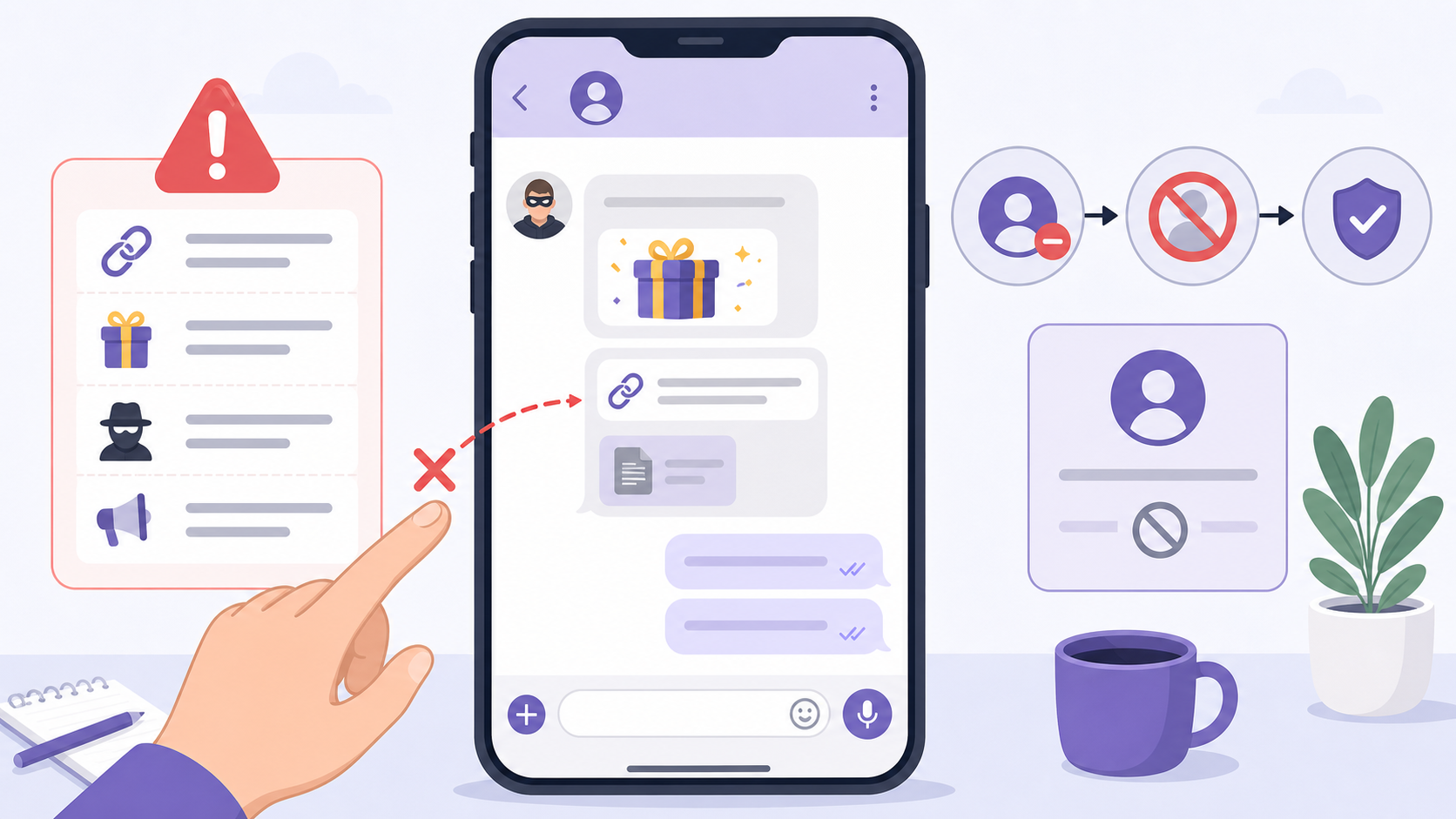
This is often the best approach for suspicious links, fake prize messages, impersonation attempts, and repeated commercial spam. Do not tap links or download files from unknown senders before blocking them.
Block someone from your contacts list
- Open Viber and go to your contacts.
- Find the person you want to block.
- Open their Viber profile or contact information.
- Tap the menu or privacy option.
- Select block.
How to unblock a Viber contact
If you blocked someone by mistake or want to receive messages from them again, you can unblock them. After you unblock Viber contact entries, new direct messages and calls from that person can reach you again. Old messages that were blocked while the person was blocked may not appear retroactively.
Unblock from the chat or contact profile
- Open Viber.
- Find the chat or contact profile for the blocked person.
- Open the contact information screen.
- Choose unblock.
- Return to the chat if you want to message them again.
Unblock from privacy settings
- Open Viber on your phone.
- Go to More or the main menu.
- Open Settings.
- Choose Privacy.
- Open the blocked list or blocked numbers area.
- Find the contact or number you want to unblock.
- Tap unblock next to that entry.
If you recently changed phones or reinstalled the app, make sure you are using the current version. If needed, you can get the app from the Viber Download page before checking your settings again.
How to manage the Viber blocked list
The Viber blocked list is the easiest place to review everyone you have blocked. It is especially helpful if you do not remember the chat, deleted the conversation, or blocked several spam numbers over time.
What you can do from the blocked list
- Review blocked phone numbers and contacts.
- Unblock a person without opening the old chat.
- Check whether a number is already blocked.
- Clean up old blocks if you no longer need them.
Good habits for managing blocked contacts
- Keep spam and harassment contacts blocked unless there is a clear reason to remove them.
- Use reporting tools for scams, threats, or impersonation, not just blocking.
- Review privacy settings such as profile photo visibility, online status, and who can add you to groups.
- Block new numbers separately if the same person contacts you from another account.
What can a blocked user still see on Viber?
Blocking someone does not make you invisible everywhere. It mainly stops direct communication from that account. What the blocked user can still see depends on your privacy settings, shared spaces, and what information was already on their device.
| Item | Can the blocked user still see it? | What to know |
|---|---|---|
| Old chat history | Yes, on their own device | Blocking does not erase messages already stored in their chat history. |
| New direct messages to you | No normal delivery to you | You should not receive their new one-to-one Viber messages while they remain blocked. |
| Viber calls to you | Blocked | Their Viber calls should not ring through to you from the blocked account. |
| Your profile name or photo | Possibly, depending on settings | Review your privacy settings if you want to limit profile visibility. |
| Messages in mutual groups | Usually yes | Blocking one-to-one contact does not necessarily hide all shared group activity. |
| Whether they were blocked | No direct notification | They may guess from failed contact attempts, but Viber does not normally send a block alert. |
Blocking, deleting, muting, and reporting compared
People often confuse blocking with deleting or muting a chat. They solve different problems, so choosing the right action matters.
| Action | Best for | What happens |
|---|---|---|
| Block | Stopping unwanted direct contact | The person cannot directly message or call you through Viber from that account. |
| Unblock | Allowing contact again | New messages and calls can come through after the block is removed. |
| Delete chat | Cleaning your chat list | Removes the conversation from your device but does not automatically block the person. |
| Mute | Reducing notifications | You can still receive messages, but alerts are silenced. |
| Report | Spam, scams, abuse, or impersonation | Sends a complaint for review where the reporting option is available. |
Privacy tips after you block someone
Blocking is a strong first step, but it works best when combined with sensible privacy settings. If the issue involves harassment, stalking, financial scams, or threats, do not rely on blocking alone.
- Set your profile photo visibility to a more private option if you do not want unknown people seeing it.
- Control who can add you to groups where the setting is available.
- Do not respond to suspicious messages before blocking; replies can encourage more contact.
- Take screenshots of abusive messages before deleting chats if you may need evidence.
- Use your phone’s native block feature too if the person also calls or texts outside Viber.
For more practical privacy and messaging guides, the Viber Blog is a useful place to continue learning about account safety and everyday app settings.
FAQ
Will someone know if I block them on Viber?
Viber does not normally send a notification that says they were blocked. However, the person may suspect it if their calls do not go through or their messages no longer get a normal response.
Can I unblock a Viber contact later?
Yes. You can unblock a Viber contact from their profile or from the Viber blocked list in privacy settings. After unblocking, new messages and calls from that contact can reach you again.
Does blocking delete our old Viber messages?
No. Blocking does not automatically delete old chat history from your phone or the other person’s phone. If you want to remove the conversation from your own device, delete the chat separately.
Can a blocked person still see me in a Viber group?
In many cases, yes. Blocking direct contact does not necessarily hide your activity in mutual groups or communities. If you want to avoid them completely, consider leaving shared groups or adjusting your privacy settings.
Where is the Viber blocked list?
Open Viber, go to Settings, then Privacy, and look for the blocked list or blocked numbers option. From there, you can review blocked contacts and unblock any entry you choose.
Conclusion
Blocking on Viber is a practical way to stop unwanted direct messages and calls without making a public announcement or changing your number. Use the chat profile for quick blocking, use privacy settings to manage the Viber blocked list, and remember that shared groups, old chat history, and profile visibility may still need separate attention. If the contact is abusive or suspicious, block, report, and tighten your privacy settings rather than relying on one tool alone.