
You can hide your Viber online status and reduce your Viber last seen visibility by opening Viber’s privacy settings and turning off the option that shares your online status. While this helps other people stop seeing when you are active or recently active, it does not make your account completely anonymous, and some privacy controls work both ways: when you hide certain information, you may also lose the ability to see the same information from others.
Viber gives you several practical privacy controls, including online status, last seen visibility, read receipts, and profile photo visibility. The exact wording can vary slightly by device and app version, so it is worth updating the Viber app before changing these settings.
What Viber Online Status and Last Seen Mean
On Viber, online status usually tells other users that you are currently active in the app. Last seen gives them a rough idea of when you were last active. These indicators are useful for quick conversations, but they can also create pressure to reply immediately or reveal more about your routine than you want to share.
Viber privacy settings let you control part of this visibility. In practice, hiding online status is the main setting people use when they want to appear less available. Depending on the version of Viber and your region, last seen behavior may be tied closely to the online status setting rather than offered as a completely separate control.
Important: Privacy settings can reduce visibility, but they cannot prevent every possible clue that you use Viber. For example, someone may still see your messages, group activity, profile details allowed by your settings, or delivery status in certain cases.
How to Hide Your Online Status on Viber
The steps below apply to the mobile app, where Viber’s main privacy controls are usually managed. Desktop versions may reflect your account settings but often do not include every privacy option.
On Android and iPhone
- Open Viber on your phone.
- Tap More, usually shown in the bottom menu.
- Open Settings.
- Tap Privacy.
- Find the option related to sharing your online status.
- Turn off Share Online Status or the similarly named setting.
After this change, other users should no longer see your online status in the usual way. In many cases, you also will not be able to see other people’s online status while your own status sharing is disabled.
If You Do Not See the Option
- Update Viber to the latest version from your app store.
- Restart the app and check Settings again.
- Look under Privacy rather than Chats or Notifications.
- If you use an older installation, consider reinstalling or using the official download viber page to get a current version.
How to Control Viber Last Seen Visibility
Viber last seen visibility is closely connected to online presence. If your app has a dedicated last seen setting, you can manage it from the same Privacy area. If it does not, turning off online status is the main way to limit when others can tell you were active.
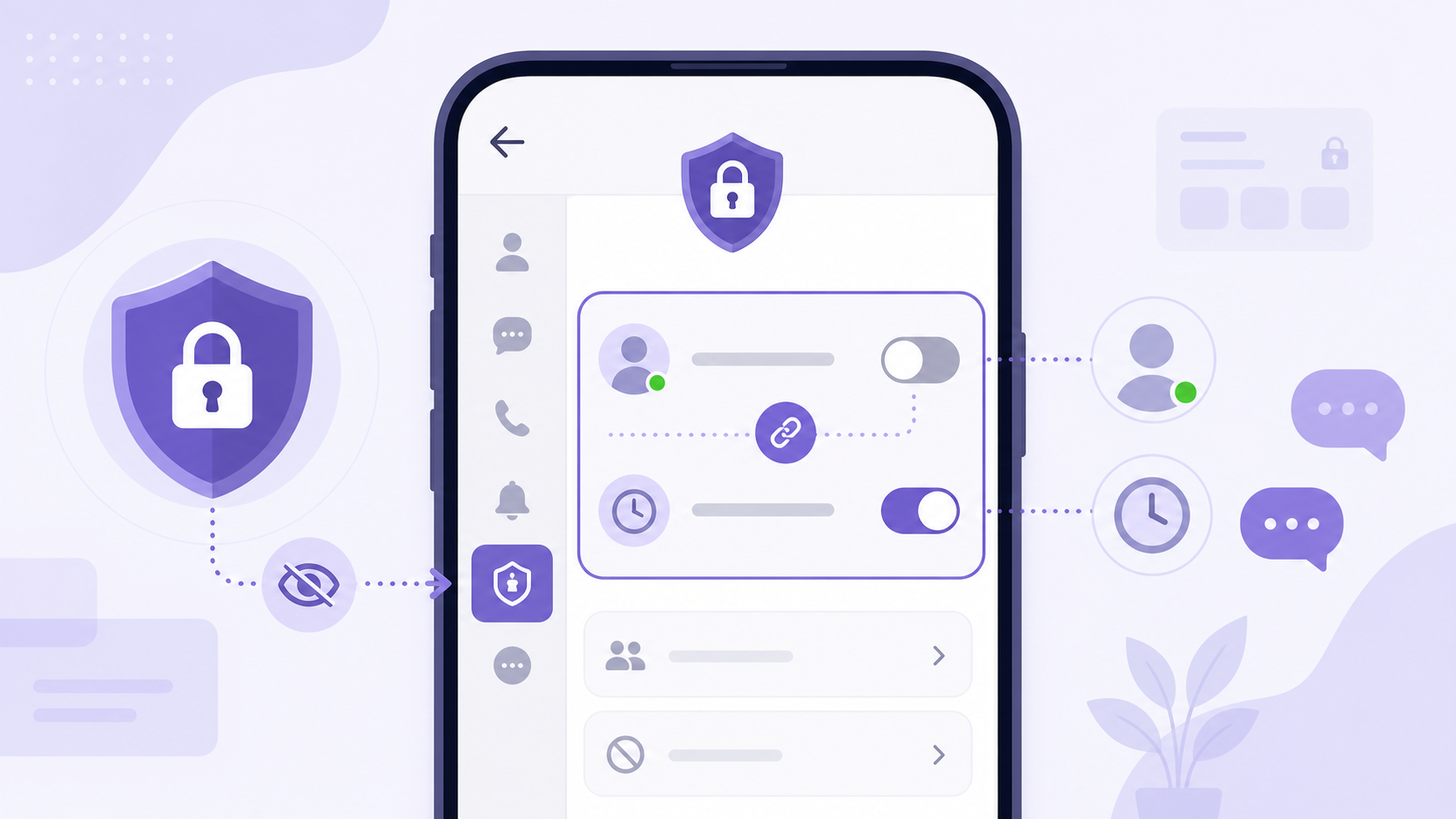
Recommended Steps
- Go to More.
- Open Settings.
- Select Privacy.
- Check for Online Status, Last Seen, or similar presence controls.
- Disable the available setting that shares your activity status.
Once disabled, do not expect the change to behave like a full invisibility mode. Some people may still infer activity if you reply, join calls, react to messages, or participate in group chats.
Viber Privacy Settings You Should Review Together
Hiding online status is only one part of privacy. If your goal is to be less visible, review the related settings below at the same time.
| Setting | What it controls | What to keep in mind |
|---|---|---|
| Online status | Whether others can see that you are active on Viber | Often works mutually, meaning you may not see others’ online status after hiding yours |
| Last seen | Whether others can see when you were recently active | May be tied to online status rather than shown as a separate option |
| Read receipts | Whether others see that you have read their messages | Turning this off may not affect all message types or group behavior in the same way |
| Profile photo visibility | Who can view your profile picture | Choosing contacts-only is safer than allowing everyone to see it |
| Blocked users | Prevents selected people from contacting you directly | Blocking is stronger than hiding status, but it is user-specific |
How to Turn Off Read Receipts on Viber
Read receipts are the seen indicators that tell someone you opened or read their message. If you want more breathing room before replying, this is one of the most useful settings to adjust.
- Open Viber.
- Tap More.
- Go to Settings.
- Open Privacy.
- Find Send Seen Status or a similar read receipt option.
- Turn it off.
After this, people should not receive the usual seen confirmation when you read their messages. Delivery indicators may still appear, and the setting may not behave identically in every conversation type. Group chats, communities, and special message formats can have different visibility rules.
How to Limit Who Sees Your Viber Profile Photo
Your profile photo can reveal your identity even if your online status is hidden. Viber usually lets you limit photo visibility so that only your contacts can see it.
- Open Viber and tap More.
- Go to Settings.
- Tap Privacy.
- Look for Show Your Photo or profile photo visibility.
- Choose the more private option, such as showing it only to your contacts, if available.
This is especially useful if you receive messages from people outside your contact list or participate in larger conversations. If you use Viber communities, remember that profile visibility and community interaction may expose more information than a one-to-one chat.
Limitations You Should Know Before Changing These Settings
Viber privacy controls are helpful, but they have practical limits. Knowing these limits prevents confusion after you turn a setting off.
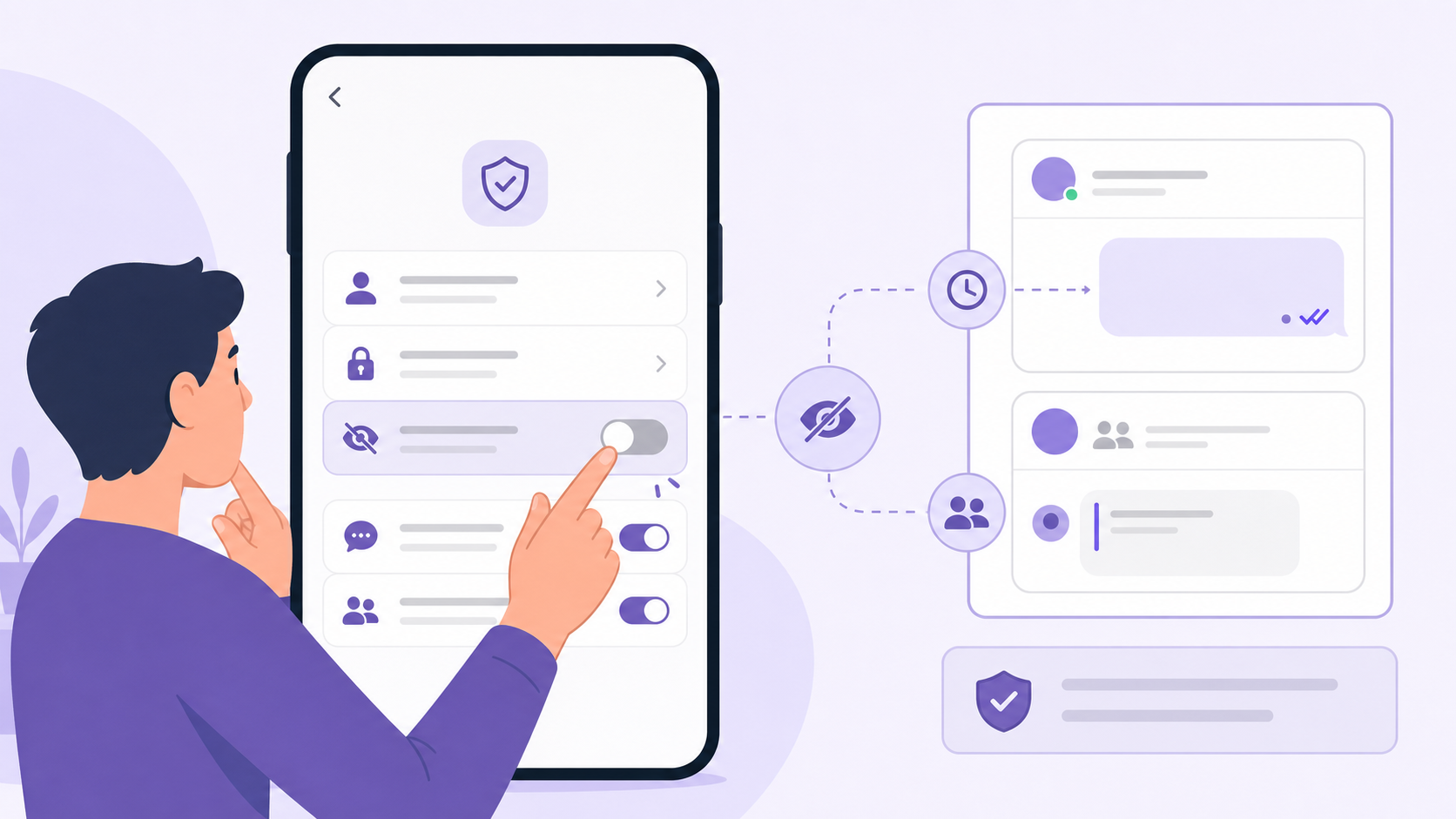
- Changes may be mutual. If you hide your online status, you may also lose the ability to see other users’ online status.
- Some settings may not update instantly. It can take time for changes to appear across devices or conversations.
- Desktop may not show every option. Use the mobile app for the full privacy menu.
- Group activity can still reveal presence. Sending messages, reacting, or joining calls can show that you are active.
- Read receipts do not equal full message privacy. People may still see delivery status or your replies.
- Blocking is separate. Hiding status does not stop someone from messaging you. Use blocking if you need to prevent direct contact.
- App versions matter. Menu names and available controls can differ between older and newer versions.
Best Privacy Setup for Most Users
If you simply want fewer interruptions and less pressure to reply, a balanced setup works better than changing only one option.
- Turn off online status sharing.
- Disable read receipts if you do not want people to know when you opened a message.
- Set your profile photo visibility to contacts only.
- Block specific users who make you uncomfortable.
- Keep the app updated so privacy controls work as expected.
This setup gives you more control without breaking normal messaging. It is also easy to reverse if you later decide you want people to see when you are online.
FAQ
Can I hide my Viber online status from only one person?
Viber’s online status setting is generally account-wide, not per person. If you want to stop one person from seeing or contacting you, blocking that user is usually the better option.
Will people know if I turn off Viber last seen?
Viber does not usually send a notification when you change last seen or online status settings. However, people may notice that your activity status is no longer visible.
Why can’t I see other people’s online status after hiding mine?
Some Viber privacy controls work both ways. If you stop sharing your online status, Viber may also stop showing you other users’ online status.
Does turning off read receipts hide message delivery?
No. Read receipts mainly control seen status. Delivery indicators may still appear, so the sender may know the message reached your device even if they cannot see that you read it.
Can I change Viber privacy settings on desktop?
Some settings may sync to desktop, but the full privacy controls are usually managed in the mobile app. For best results, change online status, read receipts, and profile photo visibility on your phone.
Conclusion
To hide your Viber online status and reduce Viber last seen visibility, go to Settings, open Privacy, and turn off the status-sharing option available in your app. For stronger everyday privacy, review read receipts and profile photo visibility at the same time. These settings do not make you completely invisible, but they do give you practical control over when and how others can tell you are active.