
Viber vs WhatsApp comes down to what you need most: WhatsApp is usually the safer default if most of your contacts already use it, while Viber is a strong WhatsApp alternative if you want richer public communities, built-in international calling to regular phone numbers, and a slightly different set of privacy tools. Both apps support encrypted chats, voice calls, video calls, group messaging, desktop use, and media sharing, but they are not identical in how those features work.
Quick comparison: Viber vs WhatsApp
If you only want the short version, WhatsApp is better for broad everyday communication, especially in countries where it is the main messaging app. Viber is better for users who value international calling options, large communities, expressive stickers, and a messaging experience that feels closer to a social communication hub.
| Feature | Viber | |
|---|---|---|
| Best for | International calling, communities, stickers, public discovery | Everyday messaging, wide adoption, simple private groups |
| Messaging | One-to-one chats, group chats, stickers, media, disappearing messages | One-to-one chats, group chats, media, voice notes, disappearing messages |
| Voice and video calls | Free app-to-app calls, group calls, paid Viber Out to phone numbers | Free app-to-app calls and group calls, no built-in calling to regular phone numbers |
| Desktop use | Desktop app linked to a mobile account | Web and desktop apps with linked device support |
| Groups | Good for social chats and smaller private groups | Strong for family, school, work, and local groups |
| Communities | Large public-style communities with admin tools | Communities organize related groups under one umbrella |
| Privacy | End-to-end encryption for private chats and calls, hidden chats, disappearing messages | End-to-end encryption for personal messages and calls, privacy controls, optional encrypted backups |
| Backups | Cloud backups through platform accounts, with limits depending on device and setup | Google Drive or iCloud backups, optional end-to-end encrypted backups |
| International calling | Viber Out supports calls to landlines and mobile numbers for a fee | Only calls other WhatsApp users through the app |
Messaging experience
Both apps cover the basics well: text messages, photos, videos, documents, voice notes, emoji, stickers, reactions, location sharing, and disappearing messages. For most personal conversations, either app will feel familiar within a few minutes.
Where WhatsApp feels stronger
- Network effect: WhatsApp is more likely to already be installed on your friends', relatives', and coworkers' phones in many regions.
- Simple interface: The app keeps private chats, groups, calls, and status updates relatively straightforward.
- Business messaging: WhatsApp Business is widely used by shops, service providers, and local companies.
Where Viber feels stronger
- Stickers and expression: Viber has long leaned into sticker packs and a more playful chat style.
- Public communication: Viber communities are useful when you want a large group space rather than a small private chat.
- Calling beyond the app: Viber has a clear advantage if you need to call landlines or mobile numbers that are not using the app.
If you are exploring the Viber app as a WhatsApp alternative, the main question is not whether it can send messages well. It can. The more important question is whether your contacts, communities, or travel needs make its extra features valuable.
Calls and video calls
For app-to-app calling, both Viber and WhatsApp support free voice and video calls over an internet connection. Call quality depends on your network, device, distance, and local restrictions. On stable Wi-Fi or 4G/5G, both can perform well enough for daily use.
WhatsApp calling
WhatsApp is excellent when both people already use WhatsApp. You can make one-to-one voice calls, video calls, and group calls from inside the app. It is simple and widely understood. The limitation is that WhatsApp does not provide a built-in paid service for calling ordinary phone numbers such as landlines or mobile numbers outside WhatsApp.
Viber calling
Viber also supports free app-to-app voice and video calls. Its extra advantage is Viber Out, a paid option for calling regular phone numbers in many countries. This matters if you travel, have family abroad, need to call banks or hotels overseas, or regularly contact people who do not use messaging apps.
Practical takeaway: choose WhatsApp for free calls to people who already use WhatsApp. Choose Viber if international calls to non-app numbers are part of your routine.
Desktop and multi-device use
Desktop access is important if you type long messages, handle files, or keep chats open during work. Both apps support desktop use, but the experience is slightly different.
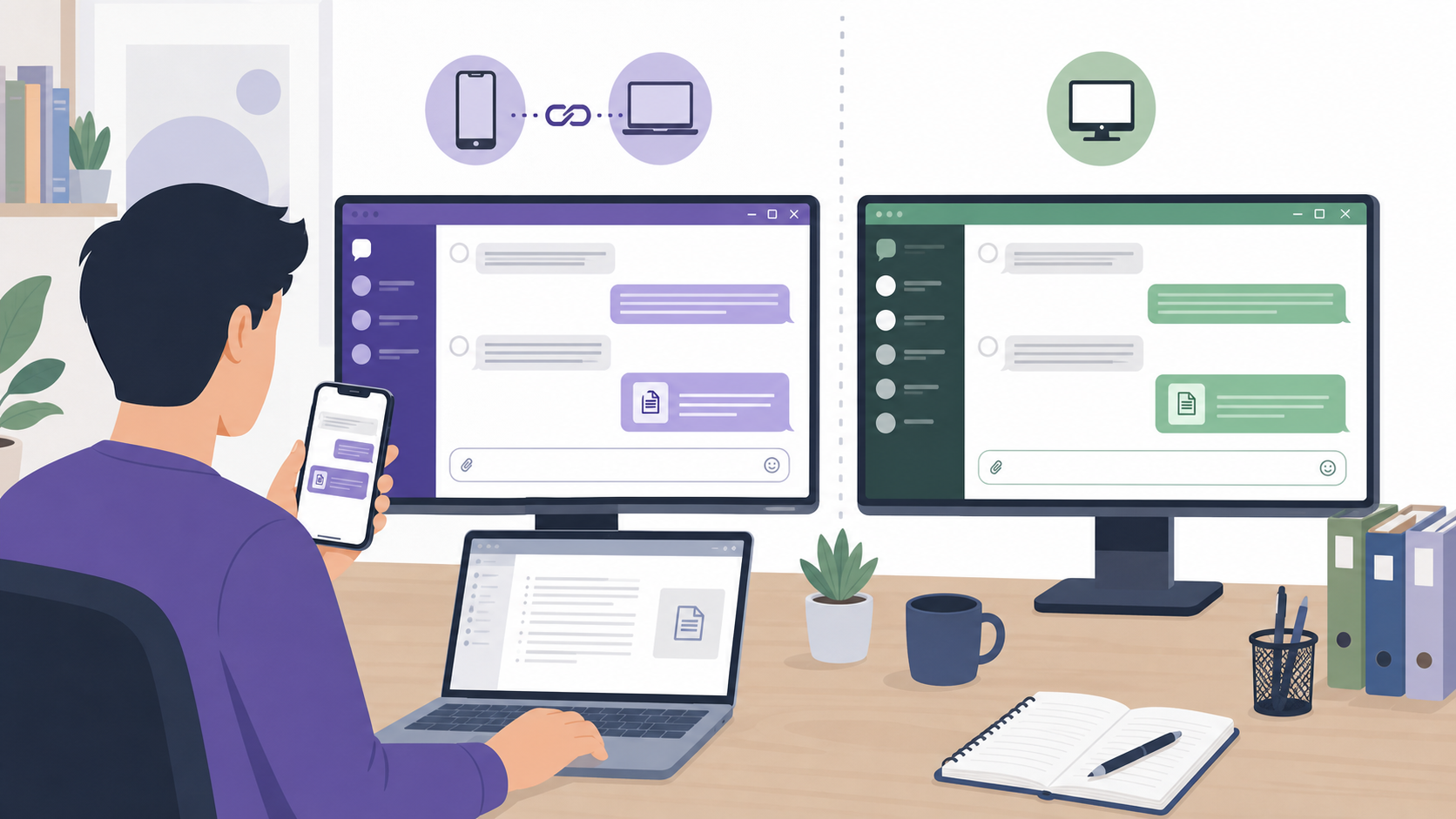
| Desktop feature | Viber | |
|---|---|---|
| Setup | Install the desktop app and link it to your mobile account | Use WhatsApp Web or desktop app and link it from your phone |
| Best use case | Frequent desktop chatting with synced contacts and conversations | Workday messaging, file sharing, and quick access across linked devices |
| Mobile dependency | Requires a mobile account for activation | Requires a mobile account for linking; linked devices can continue working without the phone being constantly online |
If desktop messaging is your priority, WhatsApp has become very convenient because of its linked-device system. Viber desktop is still useful, especially if you already rely on Viber for calls and communities, but new users should expect to activate it through the mobile app first.
Groups and communities
Groups and communities are where the apps start to feel meaningfully different. A private group is for a defined set of people. A community is better for larger audiences, topic-based spaces, announcements, or several related groups.
WhatsApp groups and communities
WhatsApp groups are popular for families, school classes, neighborhood updates, small teams, and event planning. WhatsApp Communities help organize multiple related groups under one structure, with announcement tools for admins. This works well for schools, clubs, apartment buildings, and local organizations that already use WhatsApp.
Viber groups and communities
Viber offers private group chats, but its broader appeal is in large communities and public-style spaces. These are useful for fan groups, local information channels, brands, creators, and interest-based discussions. If your goal is to build or join large topic-based spaces, Viber communities may feel more natural than a standard WhatsApp group.
Privacy and security settings
Both services use end-to-end encryption for personal messages and calls, meaning message content is designed to be readable only by the sender and intended recipients. That said, privacy is not only about message content. It also includes profile visibility, metadata, backups, group invitation controls, online status, and how much information you share with contacts.
WhatsApp privacy controls
- End-to-end encrypted personal chats and calls.
- Controls for last seen, online status, profile photo, about info, and status updates.
- Read receipt settings for most private chats.
- Group invite controls to limit who can add you to groups.
- Disappearing messages and view-once media options.
- Optional end-to-end encrypted cloud backups.
Viber privacy controls
- End-to-end encryption for private chats and calls.
- Disappearing messages in chats.
- Hidden chats protected by a PIN on supported devices.
- Controls for online status and read receipts.
- Options to block users and manage who can contact you.
- Delete messages for yourself or everyone in a conversation, depending on context.
Neither app makes you anonymous. Both are phone-number-based services, and both require some account and device information to operate. If you want a secure messaging app, look beyond the encryption label and check whether the backup, contact discovery, profile visibility, and group settings match your expectations.
Backups and restoring chats
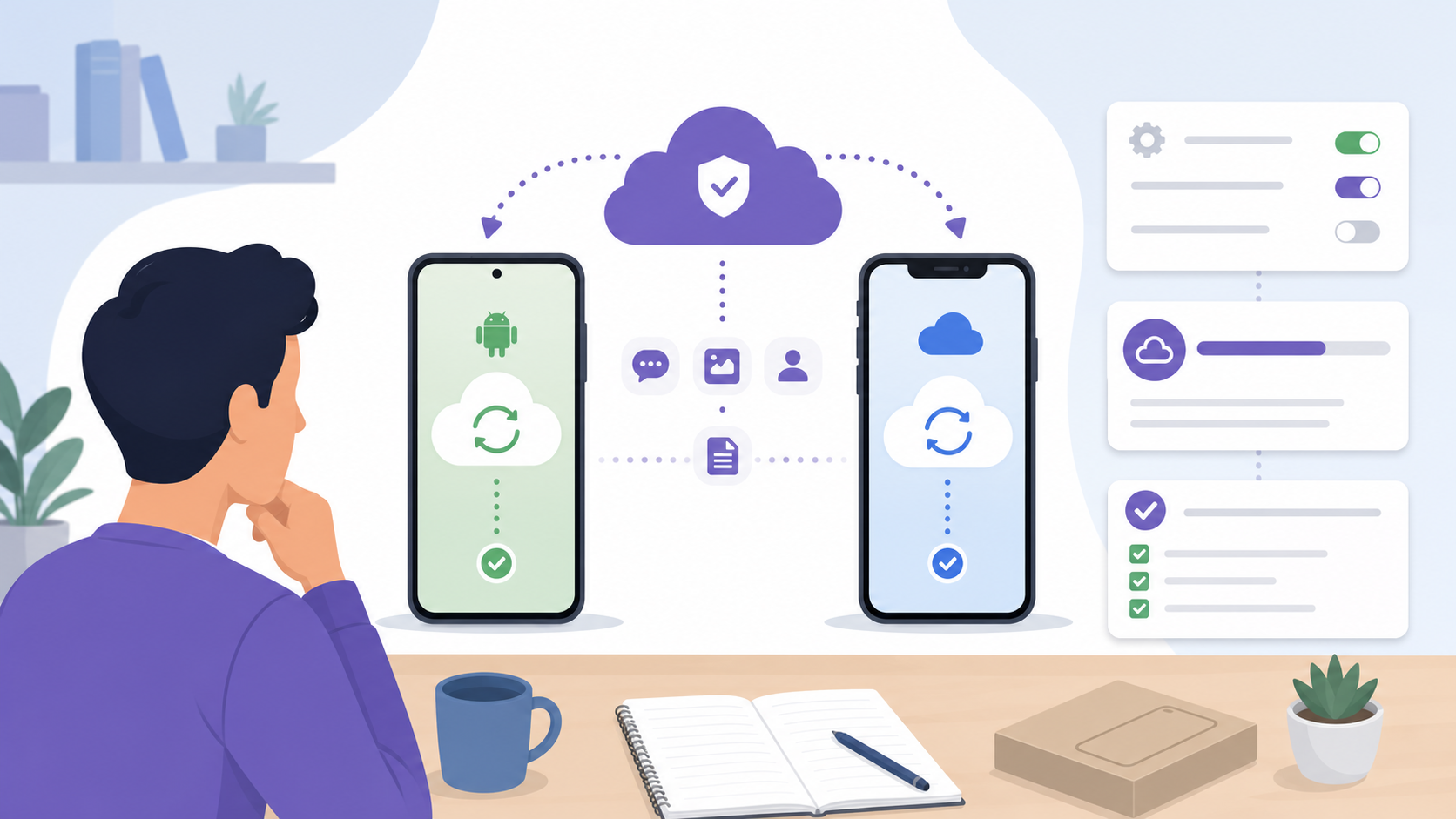
Backups are one of the most important differences because encrypted chat content can become exposed if backups are not protected properly. They also affect how easily you can move to a new phone.
WhatsApp backups
WhatsApp supports chat backups through Google Drive on Android and iCloud on iPhone. Users can turn on end-to-end encrypted backups, which adds a password or encryption key. If you enable that setting, store the password or key carefully. If you lose it, restoring the backup may not be possible.
Viber backups
Viber also supports chat backups through platform cloud services, depending on whether you use Android or iPhone. As with any messaging app, backup behavior can vary by device, operating system, and settings. Before switching phones, check your backup status inside the app and confirm what will and will not be restored, especially media files and message history.
International calling options
This is one of the clearest differences in the Viber comparison. WhatsApp can call other WhatsApp users over the internet, but it does not work as a replacement for a phone plan when you need to call a regular phone number. Viber offers Viber Out, which lets users place paid calls to mobile and landline numbers in many destinations.
When Viber is more useful
- You need to call relatives who use normal phone numbers instead of messaging apps.
- You travel and need to call hotels, airlines, clinics, banks, or government offices.
- You want predictable international calling rates without changing SIM cards.
- You frequently call countries where your regular mobile carrier is expensive.
When WhatsApp is enough
- Your contacts already use WhatsApp.
- You only make internet-based voice or video calls.
- You do not need to call landlines or non-WhatsApp numbers.
- You prefer keeping communication in the app most people around you already use.
How to choose the right app
The best choice depends less on feature checklists and more on your real communication habits. Use the steps below to make a practical decision.
- Check where your contacts are. If 90% of your important contacts use WhatsApp, it will probably remain your main app.
- List your calling needs. If you call regular international numbers, Viber deserves serious consideration.
- Review privacy settings before heavy use. Adjust profile visibility, read receipts, online status, and group invite settings.
- Confirm backup behavior. Make sure your chat history can be restored before switching phones or reinstalling the app.
- Test desktop use. If you work from a computer, try the desktop app for a week before committing.
- Consider communities. Choose the app that better fits how your groups are organized and moderated.
Final verdict
WhatsApp is the better default messenger for most people because of its huge user base, reliable private messaging, simple groups, and convenient linked-device experience. Viber is the better fit if you want a WhatsApp alternative with stronger international calling options, large community spaces, expressive chat features, and useful privacy controls such as hidden chats.
If you can only keep one app, choose the one your key contacts actually use. If you can keep both, a sensible setup is to use WhatsApp for everyday personal and work chats, and Viber for international calls, selected communities, and contacts who prefer that ecosystem.
FAQ
Is Viber better than WhatsApp?
Viber is better for international calls to regular phone numbers and large community-style spaces. WhatsApp is better for everyday messaging if most of your contacts already use it.
Is Viber a good WhatsApp alternative?
Yes. Viber is a good WhatsApp alternative for messaging, app-to-app calls, video calls, communities, and paid international calling. The main limitation is whether your contacts actively use it.
Are Viber and WhatsApp both end-to-end encrypted?
Both apps provide end-to-end encryption for personal chats and calls. You should still review backup settings, profile visibility, group permissions, and online status controls for better privacy.
Can WhatsApp call landlines like Viber?
No. WhatsApp calls work between WhatsApp users over the internet. Viber offers Viber Out, a paid feature that can call many landline and mobile numbers internationally.
Which app is better for desktop messaging?
WhatsApp is generally more convenient for linked-device use, especially through WhatsApp Web and desktop apps. Viber desktop is useful too, but it is most attractive if you already use Viber heavily.